Kanban principles help you manage work in a simple and clear way. If your tasks feel scattered or slow, Kanban can bring order and focus. It shows work on a board, limits how much you do at once, and keeps tasks moving. Many project teams use Kanban to improve speed and reduce stress. The Kanban principles guide how you start, change, and improve your process over time.
In this blog post, you will learn the Kanban principles, core practices, and real examples. By the end, you will know how to use Kanban principles to work smarter and deliver better results.
Key Takeaway
- Kanban principles help teams manage work by making tasks visible and easy to track.
- Start with your current process instead of making big changes right away.
- Small, steady improvements reduce risk and lead to better results over time.
- Limiting work in progress helps teams stay focused and avoid overload.
- Clear rules and regular feedback improve teamwork and decision-making.
- Continuous improvement and shared ownership drive long-term success.
What is Kanban?
Kanban is a simple method for managing work and improving the flow of tasks through a process. It started in manufacturing and is now widely used in software, business, and daily operations. The main idea is to make work visible using a Kanban board. This board shows tasks as cards placed in columns like Backlog, To Do, In Progress, and Done.
Each card represents a task, and team members move it as work progresses. Kanban also limits the number of tasks that can be in progress at one time. This helps teams stay focused and avoid overload. Another key part is tracking how work moves so teams can spot delays and fix them quickly.
Kanban does not require strict roles or major changes. Instead, it builds on your current process and improves it step by step. This makes it flexible, easy to use, and effective for continuous improvement.
Importance of KANBAN
Kanban is important because it brings clarity and control to daily work. It helps teams see every task on a board, so nothing gets lost or delayed. By limiting work in progress, Kanban reduces overload and improves focus. This leads to faster delivery and better quality. It also highlights bottlenecks, making it easier to fix delays and improve flow. Teams can adapt quickly without major changes, which lowers risk. Kanban also promotes teamwork, as everyone can see progress and take ownership.
Over time, small improvements build stronger processes. For teams that feel busy but unproductive, Kanban offers a simple way to work smarter and achieve better results.
The Four Kanban Principles
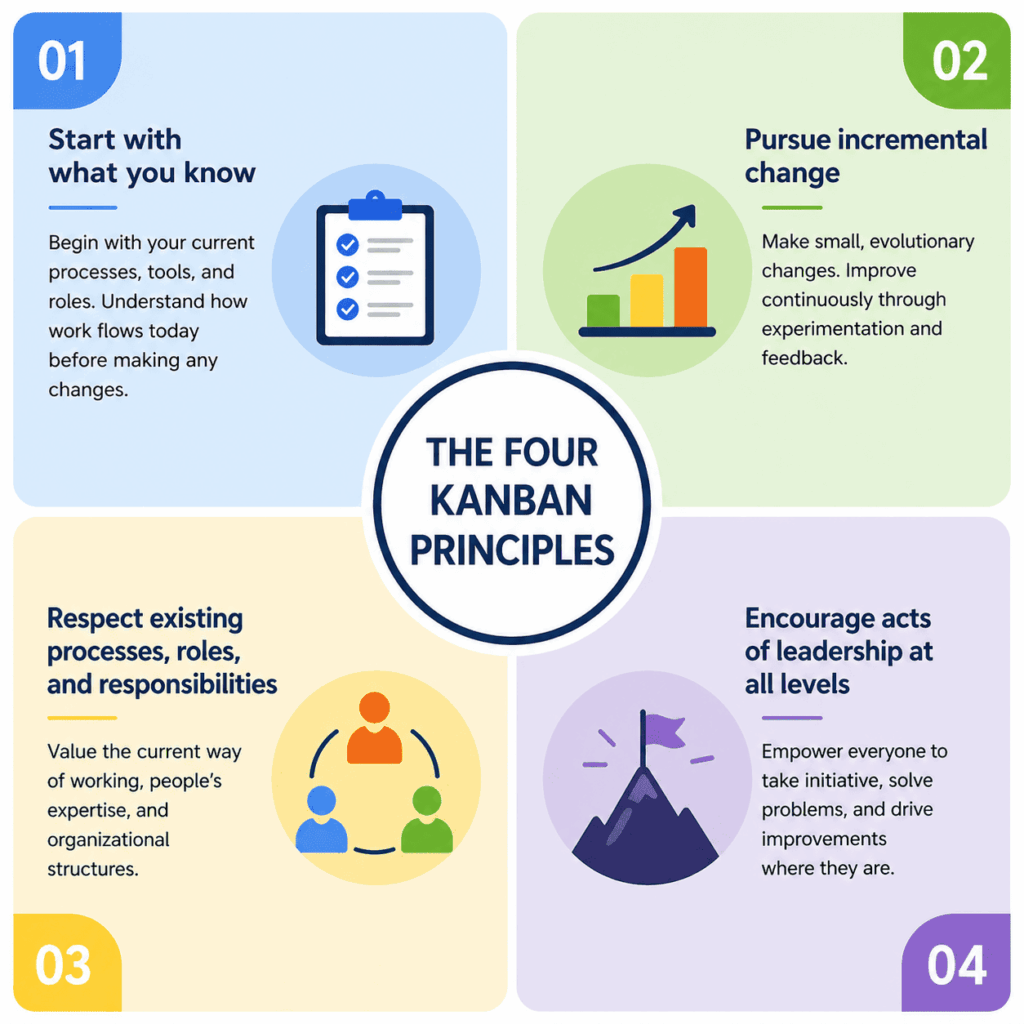
Kanban rests on four principles that guide every implementation. Think of them as a compass rather than strict rules. Let’s explore each one and see how it can help your team thrive.
1. Start With What You Know
Kanban doesn’t ask you to redesign your entire process on day one. Instead, it starts by mapping your current workflow. By observing how tasks move today, you can identify which steps work well and which cause delays. For example, a development team might notice that code reviews pile up. Recognizing the bottleneck helps them focus their improvements on one area rather than disrupting the entire pipeline.
2. Pursue Incremental, Evolutionary Change
Sweeping reforms can overwhelm teams. Kanban promotes taking baby steps. Adjust one part of the process, measure the results and then tweak again. Imagine switching from releasing software quarterly to shipping a small feature every two weeks. Each iteration teaches you something new and reduces risk. Over time, these small wins add up to big gains.
3. Respect Current Processes, Roles and Responsibilities
Kanban integrates with your existing structure. It doesn’t replace job titles or reorganize teams. This respect eases adoption because people don’t feel threatened. If your organization uses a mix of project managers, engineers and marketers, Kanban simply provides a shared board where everyone can see the work. The only change is improved transparency.
4. Encourage Acts of Leadership at All Levels
Leadership isn’t limited to managers. Kanban invites everyone to own their tasks and to propose improvements. A junior designer might suggest moving a research step earlier in the process, or a support agent could point out a recurring issue. When people see that their ideas matter, engagement grows and teams become more resilient.
Six Core Practices That Bring Kanban to Life
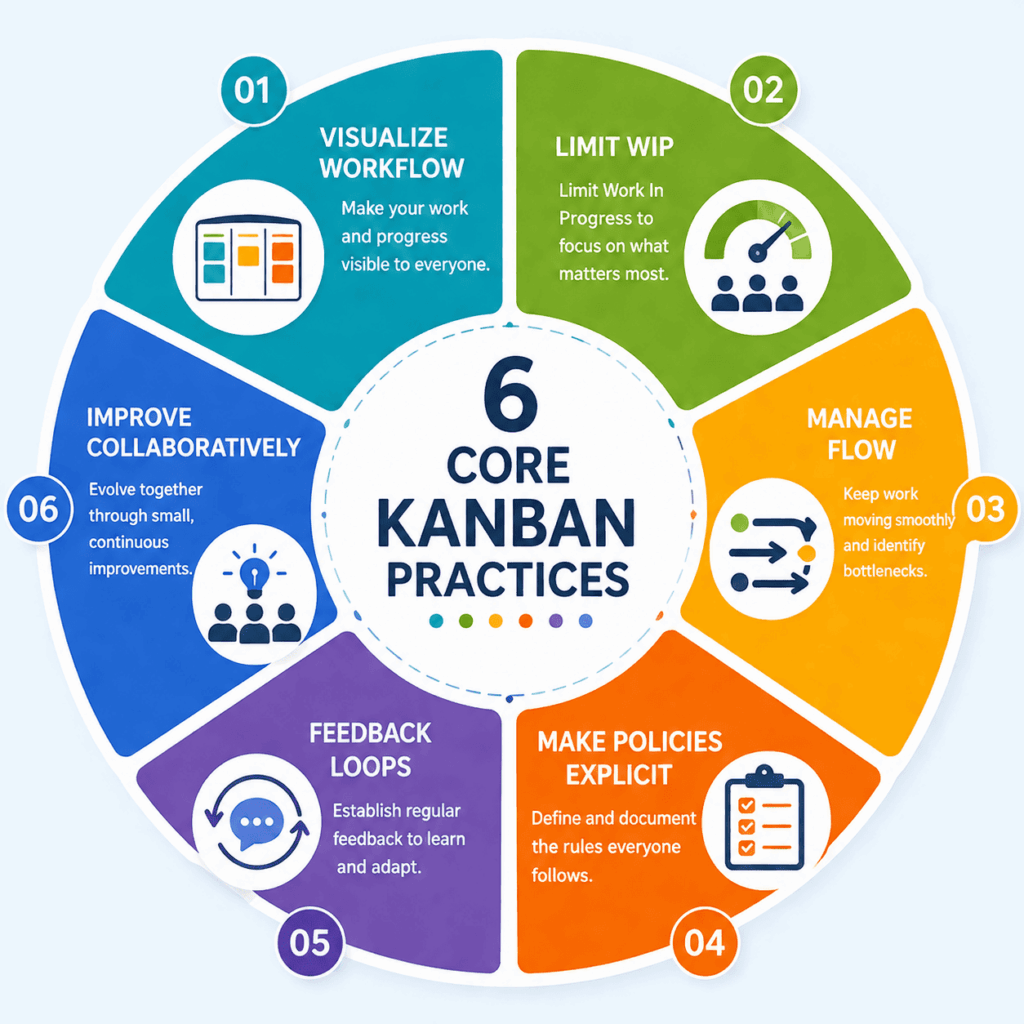
Following the principles isn’t enough; you also need concrete actions. The six core practices translate the philosophy into daily habits. Visualize your workflow, limit work in progress, manage flow, make policies explicit, establish feedback loops and improve collaboratively. Here’s how to put them into action.
1. Visualize Workflow
To manage work, you must see it. A Kanban board represents your process as columns, such as “Backlog,” “To Do,” “In Progress,” and “Done”. Each card contains a single task with details such as deadlines and owners. A quick glance shows what’s underway, what’s finished and where tasks are stuck. Visualization reduces hidden work and supports collaboration.
2. Limit Work-In-Progress (WIP)
Multitasking slows teams down. Limiting WIP means choosing a maximum number of tasks in each column. When a column reaches its limit, no new work enters until something moves forward. This constraint encourages focus and prevents overload. Teams often set WIP limits based on capacity; for example, no more than three tasks per developer at once.
3. Manage Flow
Once you see work and limit WIP, you can manage the flow. Watch how long tasks stay in each stage and look for bottlenecks. If the “Code Review” column always has many cards, perhaps reviews need more resources or clearer criteria. Addressing bottlenecks keeps work moving smoothly from start to finish.
4. Make Process Policies Explicit
Clear policies ensure that everyone understands how work moves. Document roles, responsibilities and criteria for moving cards. For example, a card might only advance to “Done” once it passes testing and documentation is complete. Explicit policies promote consistency and reduce confusion.
5. Deploy Feedback Loops
Feedback drives continuous improvement. Regular reviews, retrospectives and daily check-ins help teams reflect on what’s working and what isn’t. This practice also encourages cross-functional learning. Customer feedback, analytics and team discussions provide data for the next round of adjustments.
6. Improve Collaboratively
Improvement isn’t a solo exercise. It’s a team sport. By working together to analyze metrics and experiment with changes, teams cultivate a culture of continuous learning. Small experiments, such as adjusting WIP limits or adding a “Testing” column, can have a big impact when everyone is engaged.
Understanding a Kanban Board
At the heart of every Kanban system lies the board. It’s a simple, adaptable tool that can be physical or digital. Columns represent stages of your process, and cards move across them as work progresses. Boards can be tailored to any workflow. Marketing teams might use columns such as “Draft,” “Review,” and “Published,” while HR teams could use “Screening,” “Interviewing,” and “Offer.”
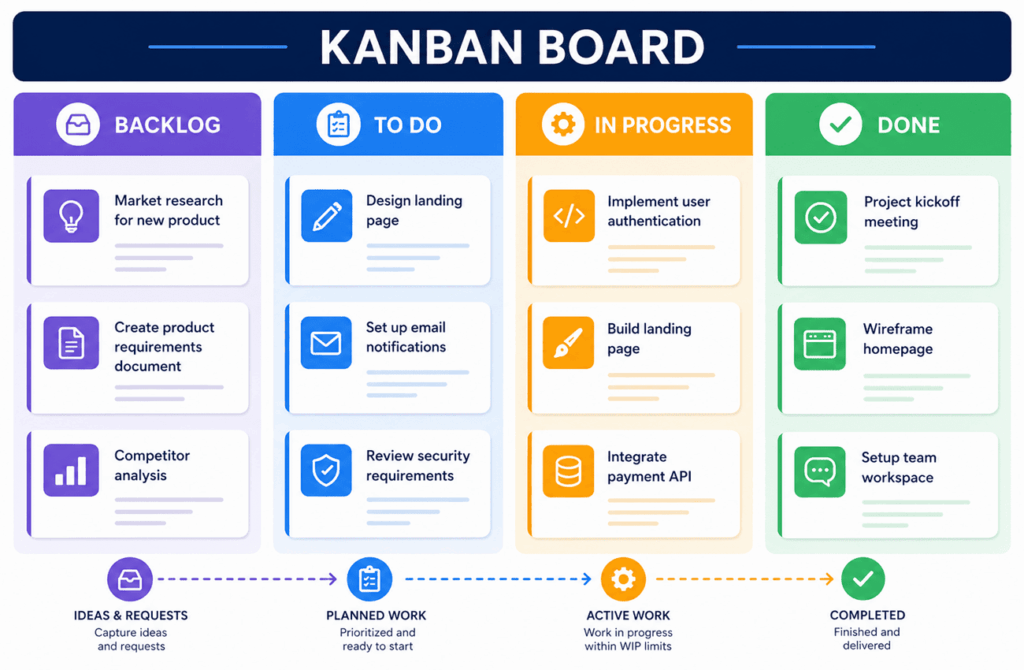
Kanban boards bring clarity by showing the entire system at once. Team members see who is working on what, where tasks are stuck and how much is left. Managers can spot trends and allocate resources. This transparency increases accountability and reduces micro-managing.
Kanban Vs Scrum
Both Kanban and Scrum fall under the Agile umbrella, but they differ in focus and cadence. Kanban centers on continuous flow. It uses boards and WIP limits to ensure steady progress and doesn’t require prescribed roles or time-boxed iterations. Scrum organizes work into short sprints, often two weeks, with defined roles such as Product Owner and Scrum Master and ceremonies like sprint planning and retrospectives.
Kanban suits teams that value flexibility and gradual change. Scrum works well when teams need regular planning and clear sprint goals. Some organizations even combine them, using a Kanban board within a Scrum sprint. The right choice depends on your environment and constraints.
Quick Comparison Table
| Parameter | Kanban | Scrum |
| Workflow | Continuous flow | Fixed-length sprints |
| Roles | Flexible, no required roles | Defined roles: Product Owner, Scrum Master, Development Team |
| Ceremonies | Optional: focus on flow and WIP limits | Formal ceremonies: sprint planning, daily stand-up, review and retrospective |
| Ideal for | Teams seeking adaptability and evolutionary change | Teams needing structured planning and regular delivery milestones |
FAQ
Q1. What’s the difference between a Kanban board and a Kanban card?
A Kanban card represents a single task with details like status, owner and priority. A Kanban board is the surface where cards move through columns, giving everyone an overview.
Q2. How does Kanban improve workflow?
By visualizing tasks and limiting WIP, teams can spot bottlenecks, reduce multitasking and streamline delivery.
Q3. Does Kanban require specific roles?
No. Unlike Scrum, Kanban has no mandated roles. Teams decide how to organize themselves and encourage leadership at all levels.
Q4. Can I use Kanban and Scrum together?
Yes. Many teams apply Kanban principles within Scrum sprints to visualize work and limit WIP while benefiting from regular planning and retrospectives.
Q5. What are some quick wins when starting Kanban?
Begin by visualizing your current workflow and limiting WIP in one column. Even small changes, like adding a “Review” stage or reducing multitasking, can produce immediate benefits.
Summary
Kanban offers a simple way to manage work and improve results. By visualizing tasks, limiting work in progress, and focusing on flow, teams can reduce delays and stay organized. The four principles guide steady, low-risk change, while the core practices help teams act on those ideas every day. Over time, small improvements lead to better speed, quality, and teamwork. If your work feels scattered or slow, Kanban can bring clarity and control.

I am Mohammad Fahad Usmani, B.E. PMP, PMI-RMP. I have been blogging on project management topics since 2011. To date, thousands of professionals have passed the PMP exam using my resources.