In today’s blog post, I will provide you with the 19 best mind-mapping software platforms.
The term mind map was popularized by Tony Buzan, an English psychologist, mathematician, brain researcher, author, and educational consultant. He was inspired by visualization methods used by Leonardo da Vinci, Albert Einstein, and Joseph D. Novak Buzan. In 1970, he mentioned his viewpoint in the BBC’s TV series ‘Use Your Head.’
Mind mapping is a great technique to help collect ideas and brainstorm at the beginning of any decision-making process. It helps you build the foundation of your strategy, and then you can develop your plan. A good mind mapping of ideas enables you to avoid surprises and complete the task with minimal obstruction.
Nowadays, many project management or CRM tools provide features for drawing mind maps. But if you require mind mapping, I recommend purchasing dedicated software.
Before I provide you with a list of mind-mapping tools, let us understand what mind mapping is.
What is Mind Mapping?
Mind mapping is a visual brainstorming tool for organizing information and ideas around a central concept or idea. It involves creating a diagram with a central idea in the middle, from which related subtopics and ideas branch out. Each branch can have its sub-branches, forming a hierarchical structure visually representing the relationships between different pieces of information.
Key features of mind mapping include:
- Central Idea: The main concept or topic is placed at the center of the map.
- Branches: Lines or arrows extend from the central idea to subtopics or related concepts.
- Keywords and Images: Words, phrases, and images represent ideas and make the map more engaging and memorable.
- Color Coding: Different colors can differentiate branches and highlight relationships.
- Hierarchy: Subtopics can have their sub-branches, creating a hierarchical structure.
Mind mapping can be useful in the following cases:
- Brainstorming and generating new ideas
- Organizing and structuring information
- Planning projects or tasks
- Taking notes during meetings or lectures
- Studying and memorizing information
- Solving problems and making decisions
The best mind-mapping tools are paper and pencil. I use this, and most professionals use it to generate ideas and note important notes. This is quick and more memorable as you have drawn the maps with your hands, so you will retain it longer in your memory than any other mind map generated by software or any other person.
Mind mapping software can be useful if your requirements are complex and you need to generate collaborative mind maps.
19 Best Mind Mapping Software
The following are a few of the best mind mapping software with their key features, pros, cons, and pricing details.
- XMind
- iMindQ
- Mindomo
- MindMup
- MindManager
- MindMeister
- StormBoard
- MindNode
- TheBrain
- Lucidchart
- SmartDraw
- FreeMind
- ClickUp
- Ayoa
- Milanote
- Microsoft Visio
- MindGenius
- Miro
- Coggle
1. XMind
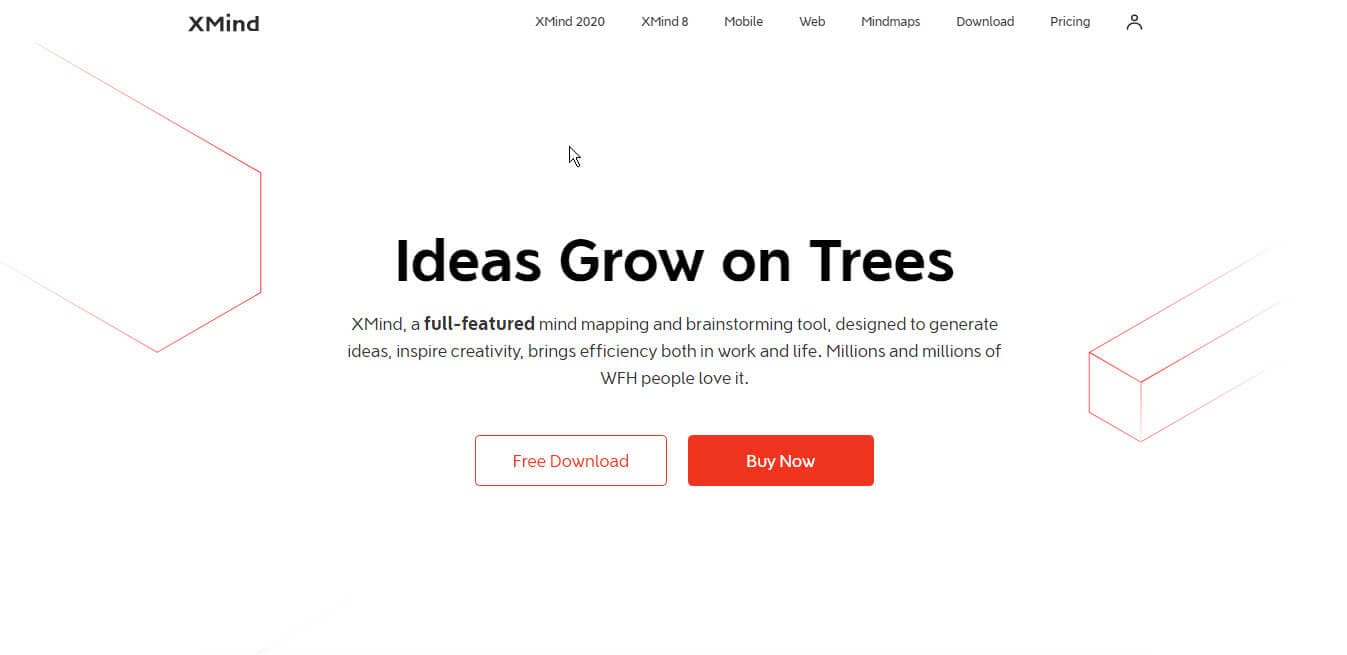
XMind LTD is a Hong Kong-based company founded by Brian Sun, who is currently the CEO and President of XMind.
XMind is cloud-based mind mapping, brainstorming, and collaboration software. It is intuitive, simple, and has powerful features for gathering and generating ideas, brainstorming, and collaboration. You can create a mind map, edit it, and save it on the cloud, local hard disk, or third-party services such as Dropbox, Google Drive, and OneDrive.
XMind can be downloaded on Windows, Linux, and macOS. It also has an iOS and an Android app.
Key Features of Xmind
- Cloud-based
- It can be used offline on PC/MAC/Linux
- It has an iOS and Android app
- New flexible layout for innovative mapping
- AI-generated Illustrations
- Smart Color Themes
- Enhances dynamic adjustments to map layouts
XMind Pros
- Excellent tool for mapping ideas
- Brainstorming module to group ideas
XMind Cons
- Needs improvement in document sharing among teams
- Lack of plugins that can enhance functionality
- Print output for large mind maps should be improved
Xmind Pricing Plan
The billing cycle can be chosen every three months or annually. The three-month price is 19.99 USD, and the yearly pricing is 59.99 USD. This plan includes XMind PRO and XMind for iOS/Android.
Yearly pricing for the XMind Pro 8.x version is 129 USD.
- Free updates for XMind Pro 8.x version. Upgrade from XMind Pro 7.x
- Lifelong use.
- One license can be used on 2 Macs/PCs devices.
- 7-day money-back guarantee.
The purchased plan can run on 5 Macs/PCs and 5 iOS/Android personal devices.
The subscription automatically renews and can be canceled at any time.
2. iMindQ
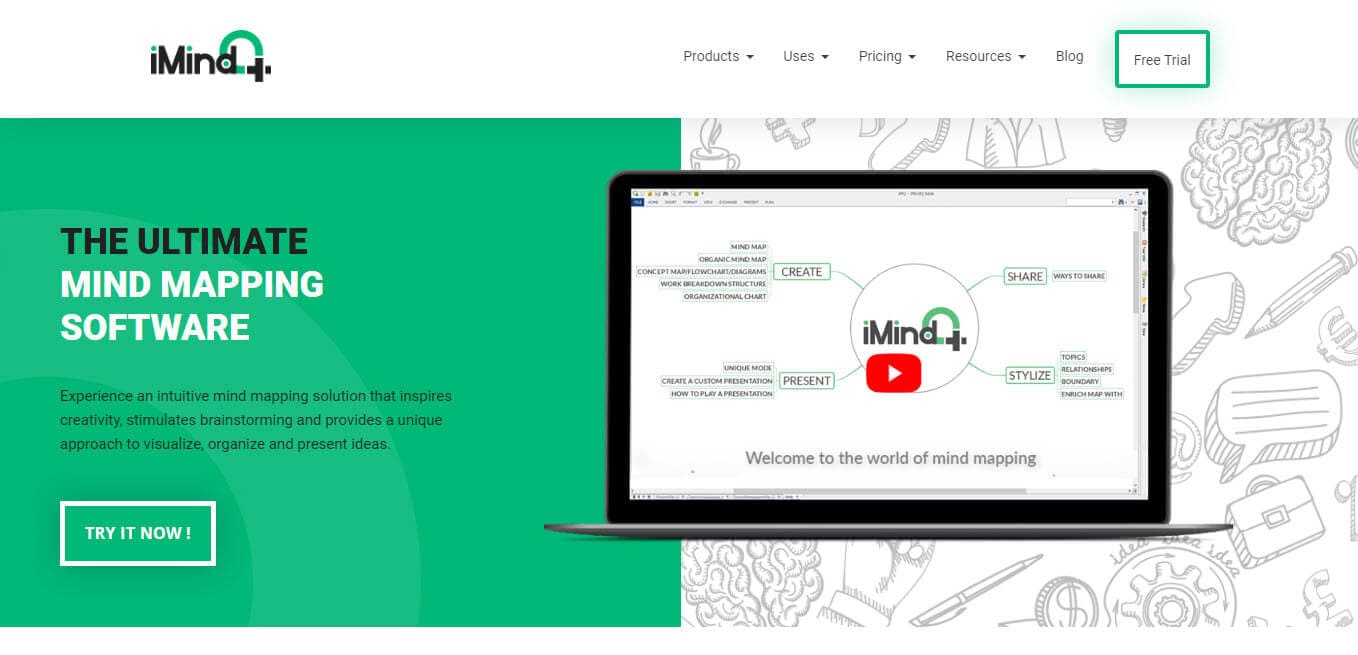
iMindQ is a mind mapping software developed by Seavus, a software development and consulting company. It was founded by Igor Lester in 2009 in Malmo, Sweden.
iMindQ offers many features that are appropriate for business and individual use. It lets you draw mind maps, concept maps, WBS Charts, flowcharts, Gantt charts, etc.
iMindQ is a dynamic mind-mapping software tool that can be used for visual thinking, brainstorming, and project planning. It is easy to connect ideas with this software, making developing more complex concepts more efficient.
It is available for Windows, Mac, iOS, Android, and the web.
Key Features of iMindQ
- Advanced MS Office integration
- Interactive HTML mind maps
- Presentation of mind maps and diagrams
- Integration with iCalendar and iReminder
- Brainstorming and Ideation
- Customizable Templates
- Data Import/Export and Storage Management
- Flowchart and Graphical Data Presentation
- Collaboration and Workflow Management
- Project and Strategic Planning
iMindQ Pros
- iMindQ is very useful for Project Management
- iMindQ supports integration with Microsoft and SharePoint
iMindQ Cons
- Lacks integration between mobile and desktop apps
iMindQ Pricing Plan
For Windows, iMindQ has three plans:
- Free
- Annual Subscription for 49 USD/year
- Lifetime License for 119 USD / Lifetime
For Mac OS, it also has three pricing plans:
- Free
- Annual Subscription for 39 USD/year
- Lifetime License for 79 USD / Lifetime
3. Mindomo
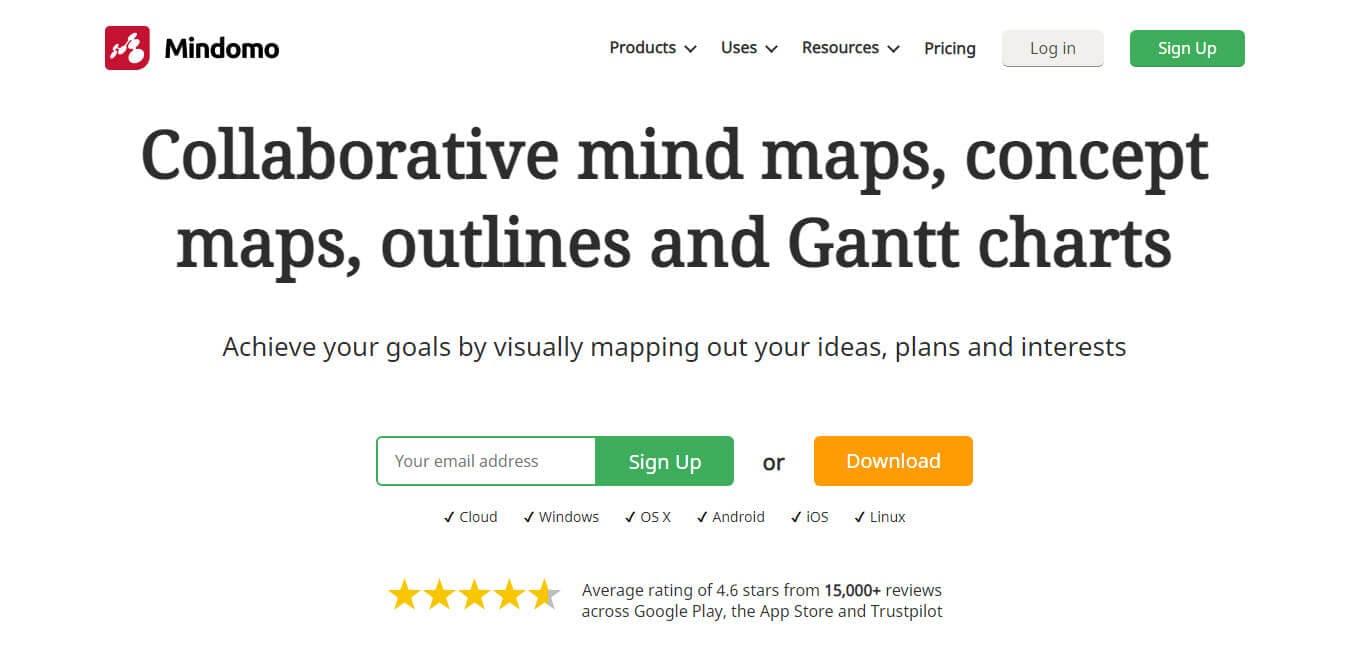
Mindomo was founded by Zoltán Lorincz and Frank Mrosk in 2002. It is a Romanian company. They started as a software consulting service, but in early 2006, they started building mind-mapping software and launched the first version of Mindomo in February 2007.
Mindomo is the best visual tool for developing a mind map. It helps you question, generate new ideas, solve problems, and research, and then it allows you to easily turn a mind map into a presentation using pre-defined templates.
It can be accessed online on PC, Mac, iOS, and Android.
Key Features of Mindomo
- Bookmarking the visual art
- Brainstorming and generating visual ideas
- Real-time collaboration
- Export mind maps
- Maintains revision history
- Sound recording and multimedia upload
- Advanced MS Office integration
- Extensive import/export formats
- Integrations with Microsoft Teams, Outlook, and Microsoft 365
Mindomo Pros
- User-friendly and intuitive
- Integrates links, images, text
- Easy sharing
- Great presentation features
- Reliable
Mindomo Cons
- It doesn’t support editing mind maps from other programs
- Free members cannot export mind maps
Mindomo Pricing Plan
Mindomo has four pricing plans:
- Free
- Premium for 5.5 Euro/month
- Professional for 13.5 Euro/month
- Team for 16.5 Euro/month.
4. MindMup

David Deflorinier founded MindMup, web software that focuses on ideas and removes distractions while creating mind-mapping visual presentations. This tool allows brainstorming, presentations, and document outlines with mind maps and can be stored in the cloud.
It can be accessed online and has iOS and Android apps.
Key Features of MindMup
- A frictionless interface
- Convert maps easily to PDF, PowerPoint, etc.
- Streamlined interface with improved navigation and usability.
- Full Google Drive integration for automatic saving and file management.
- Expanded export options, including SVG images and document outlines.
- Touch-optimized toolbar for easier access on mobile devices.
- Direct publishing to social media and embedded options for websites.
- Concurrent editing features allow multiple users to collaborate in real time.
MindMup Pros
- Free version
- Publish online sharing
- Time-saving keyboard shortcuts
- Responsive support
MindMup Cons
- Difficult to manage extended notes
MindMup Pricing Plan
MindMup has three pricing plans:
- Free
- Personal Gold for 2.99 USD/month
- Organizational Gold for 100 USD/yearly.
5. MindManager
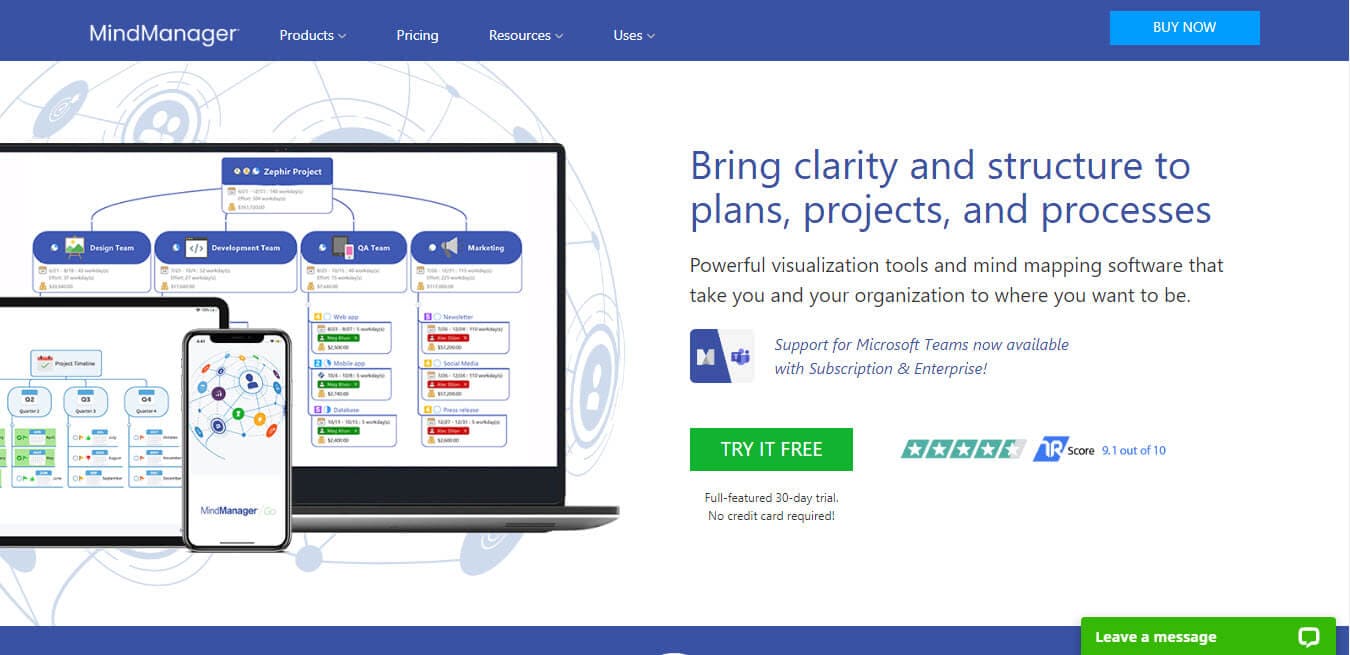
MindManager, previously known as Mindjet, was founded in 1998 by computer programmer Mike Jetter and his wife, Bettina Jetter, to support the development of their mind mapping software. In August 2016, Mindjet MindManager was acquired by Corel Corporation.
MindManager helps individuals, teams, and enterprises work faster by simplifying how they capture, process, and share information.
It helps unlock knowledge by selecting the scattered ideas and turning them into structured, interactive visual maps that make information easy to understand, adapt, and share.
MindManager is available on the Web, Windows, macOS, Android, and iOS.
Key Features of MindManager
- Creating visual framework maps
- Compatible with Microsoft Office and Apple productivity apps
- Present ideas in a structured way
- Mobile apps
- Directly import emails, tasks, appointments, and notes into MindManager.
- Enables sophisticated data queries from multiple SharePoint sites.
- Create and organize presentation slides directly from mind map branches.
- Updated layout with intuitive command groupings and access to advanced features.
MindManager Pros
- Easy to use
- Helpful keyboard shortcuts
- Can link with other maps
MindManager Cons
- Expensive
- A bit clunky to edit
MindManager Pricing Plan
MindManager has three pricing plans:
- Essentials License for 99.00 USD
- Annual Subscription for 179.00 USD/year
- Professional Subscription for 179.00 USD/year
6. MindMeister
Michael Hollauf and Till Vollmer launched this platform in 2007. As of now, it has a team of over 70 members working from Munich, Vienna, and Seattle. MindMeister is the world’s leading mind-mapping solution.
MindMeister is a cloud-based mind-mapping tool that lets you capture, develop, and share ideas visually. It is cloud-based, so you can share and collaborate with mind maps among friends or colleagues in real-time.
Key Features of MindMeister
- Beginner-friendly inbuilt templates
- Media files can be easily uploaded
- Import and export facility
- Real-time collaborative mind mapping across different time zones.
- Customizable map designs with options for classic layouts or org charts.
- Presentation tools to convert maps into slideshows, exportable and embeddable online.
- The cloud-based mind map editor is accessible from any device, storing all data securely.
- The attachment features supporting uploads from Dropbox and Google Drive.
- Advanced import and export functions for various file formats, including PDF, Word, and PNG.
MindMeister Pros
- Easy to use
- Customizing the map is effortless
- Available on all platforms
MindMeister Cons
- Formatting is clunky and difficult
- Even paid plans require additional payment to export extra PPT
- Changing map type is not easy
MindMeister Pricing Plan
MindMeister has four pricing plans:
- Free
- Personal for 3.50 USD/month
- Pro for 5.50 USD/month
- Business for 8.50 USD/month
7. StormBoard
StormBoard was initially known as Edistorm (Thomas Edison + Brainstorm). It was founded by Reg Cheramy and Michael Bollman in 2009. It is a Canadian company with a head office in Edmonton, Alberta.
It is a popular mind mapping software used worldwide by thousands of companies, including more than half of the Fortune 500.
StormBoard lets you record ideas, and then you can attach relationships. Here, brainstorming sessions are interactive and effective. You can add ideas in text, videos, files, free-form drawings, images, etc. You can organize them with color, shape, category, or into specific template sections and make decisions all in one place.
Key Features of StormBoard
- Quickly share your ideas, use sticky notes
- Inbuilt templates to kick-start productivity
- Excel, Word, and PowerPoint reports
- Accessible on all devices for seamless connectivity.
- Over 250 customizable templates for specific workspace needs.
- Utilize text, files, images, videos, and sticky notes to add diverse content.
- Export work into documents, spreadsheets, images, and more.
- Collaborate from anywhere using mobile and tablet apps.
StormBoard Pros
- Easy collaboration
- Clean interface
- Best reporting
StormBoard Cons
- The mobile view needs work
- A limited number of users are allowed on a board at once
- The system slows down with over 20 users
StormBoard Pricing Plan
StormBoard has three pricing plans:
- Free
- Business for 8.33 USD/month
- Enterprise for Custom Pricing USD/month
8. MindNode
MindNode is an award-winning visual mind mapping app that helps to connect thoughts and visualize ideas. It is a product of IdeasOnCanvas, a Vienna-based company founded by Markus Müller-Simhofer in 2008.
MindNode software helps to organize complex ideas through a simple, user-friendly interface. It makes mind mapping easy, fast, and stunning. This software lets you capture what’s on your mind quickly.
This application is available only for iOS and macOS.
Key Features of MindNode
- Add contexts with visual tags
- Quick entry to capture your thoughts
- View the mind map in a linear layout
- Smart layout
- Decorate content with aesthetic stickers.
- Instantly style thoughts with themes.
- Document extensively with notes.
- Sync, share, export, and print mind maps easily.
MindNode Pros
- Simple with endless customizations
- Export maps in different formats
MindNode Cons
- No Windows version
MindNode Pricing Plan
MindNode has one pricing plan:
- MindNode for macOS & iOS: 2.49 USD/month or 19.99 USD per year.
MindNode for macOS & iOS: 2.49 USD/month or 19.99 USD per year.
9. TheBrain
TheBrain Technologies is a software company in Los Angeles, California. It was founded in 1998 by Ray Kurzweil, David Allen, and James Burke.
It specializes in mind mapping software. TheBrain is used by over half of Fortune 100 organizations and has been downloaded over two million times.
TheBrain uses a dynamic graphical interface that maps hierarchical and network relationships. Using a built-in calendar, it can add links to web pages and files, notes, and events.
Key Features of the TheBrain
- Can accommodate 500,000+ items
- Easily attach files and folders
- Add notes anywhere quickly with the hassle-free multimedia embedding
- Sync across all devices
- Images, PDFs, and web pages load automatically
- Create your custom tags
- Allow sharing with anyone via the browser without installing any software
- Advanced MS Office integration
- Interactive HTML mind maps
- Import of concept maps, outlines, task mind maps, and Gantt charts from a Mindomo account
- Embedded video and audio files
- Multilevel numbering
- Offline desktop version
- Integrations with Microsoft Teams, Outlook, and Microsoft 365
TheBrain Pros
- Full context sync
- Secure online backup
- Multi-user editing and sync
TheBrain Pricing Plan
TheBrain has five pricing plans:
- Free
- Pro License for 219 USD one-time
- Pro Services for 180 USD/year
- ProCombo for 299 USD/year
- TeamBrain for 299 USD/person/year
10. Lucidchart
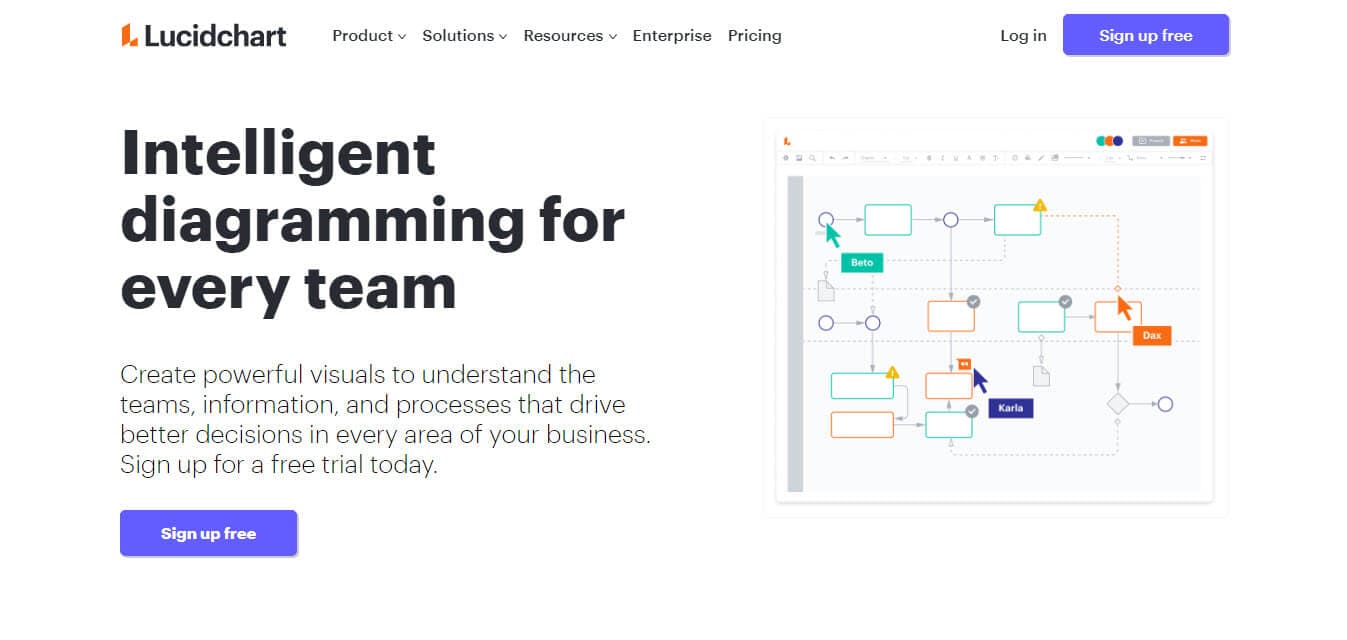
Karl Sun founded and is the CEO of Lucidchart. The first beta version was launched in 2008, and the stable version was released in July 2010. The company has its headquarters in South Jordan, Utah.
Ninety-six percent of the Fortune 500 use Lucidchart, and customers include Google, GE, NBC Universal, and Johnson & Johnson. Its partners include Google, Atlassian, Amazon Web Services, Salesforce, and Microsoft.
Lucidchart helps people brainstorm, sketch, and share flowchart diagrams. A visual workplace combines data visualization, diagramming, and collaboration to accelerate understanding and drive innovation. With this cloud-based solution, anyone can build flowcharts, mockups, and UML diagrams.
Key Features of Lucidchart
- A well-organized, intuitive user interface
- Enterprise-level security
- Integration with Google Apps, Confluence, JIRA, and Office 365
- Real-time collaboration with colleagues
- It helps to publish to PDF, JPG, and PNG
- Easy and efficient Visio import and export
- It easily and efficiently embeds documents
- Wireframing / iOS mockups
- Group chat and comments
- A cloud-based platform: Access your diagrams and charts from anywhere.
- Real-time collaboration: Work with your team, which is perfect for remote collaboration.
- Advanced MS Office integration
- Interactive HTML mind maps
- Embedded video and audio files
- Extensive import/export formats
- Offline desktop version
Lucidchart Pros
- Easily get started
- Edit multiple documents in real-time
- Many pre-defined inbuilt templates
- A large list of export diagram options
Lucidchart Cons
- Little helpful documentation
- It is difficult to make a connection between two nodes
- Lack of many visual features
- No Gantt Charts integration
Lucidchart Pricing Plan
Lucidchart has four pricing plans:
- Free single user
- Individual for 7.95 USD/month
- Team for 9.00 USD/month/user
- Enterprise: Contact the sales team
Bundled Options
Lucidchart Bundle pricing plans:
- Free single user
- Individual Bundle for 11.93 USD/month
- Team Bundle for 13.50 USD/month/user
- Enterprise: Contact the sales team
11. SmartDraw
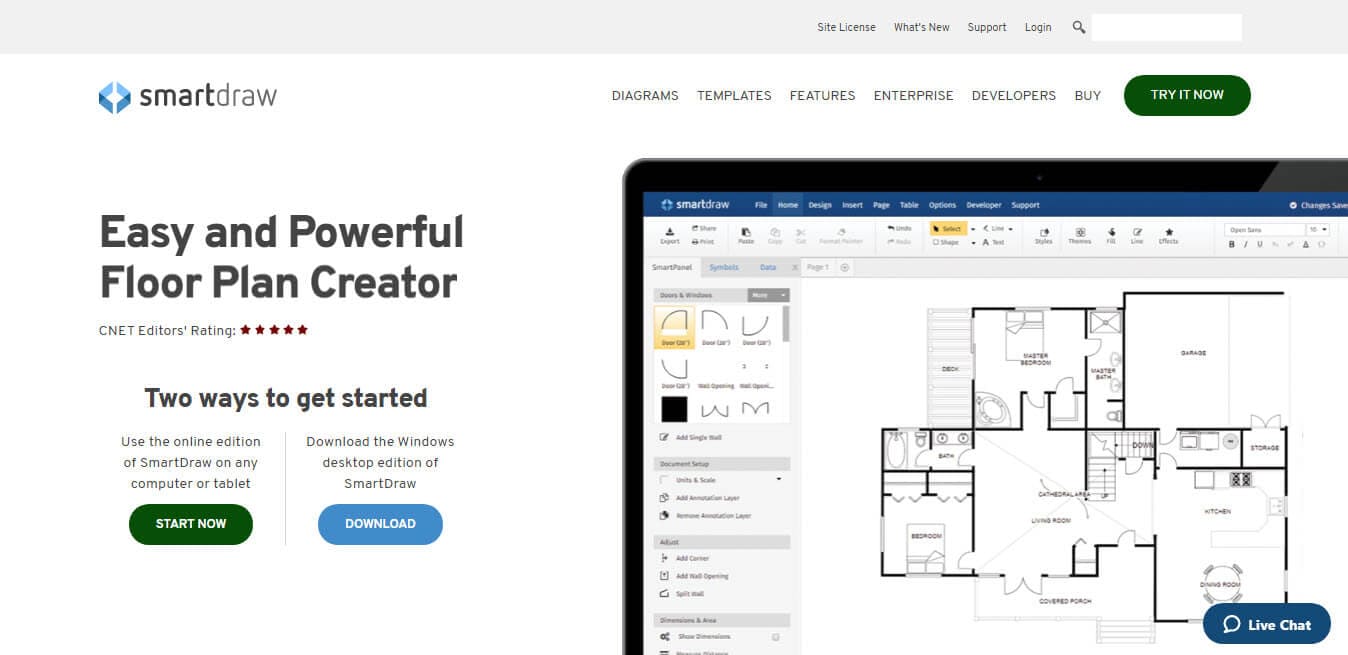
Paul Stannard launched SmartDraw in 1994.
SmartDraw is the only diagramming app with an intelligent formatting engine that helps to create professional-quality diagrams automatically. You can add, delete, or move shapes and your diagram will automatically adjust and maintain its arrangement. It lets you create flowcharts, mind maps, project charts, organization charts, and other business visuals.
Its customers include Coca-Cola, Nike, Hewlett-Packard, Kent State University, Nortech, and the US Department of Justice.
Key Features of SmartDraw
- It is the only diagramming app with an intelligent formatting engine
- Integrates with Word, Excel, PowerPoint, etc.
- Apps for the Atlassian stack: Confluence, Jira, and Trello
- Vast templates, diagram types, and symbols
- Draw and print architectural and engineering diagrams to scale
- It imports and exports diagrams
- It works in any web browser on any platform
- Integration with Dropbox, Google Drive, OneDrive, etc.
SmartDraw Pros
- Easily create a complex flowchart
- Easy to use
- Provides a variety of modules
SmartDraw Cons
- Consumes abundant resources
- Expensive
SmartDraw Pricing Plan
SmartDraw has two pricing plans:
- Single User: 9.95 per month USD for one user
- For Team 8.25 USD/month
- Enterprise 2,995 USD/Year
12. FreeMind
Tom Fortes Mayer founded FreeMind Mind Mapping Software in 1999. It is a consulting group that works with academics and industry. Its headquarters is located in Boston, Massachusetts. FreeMind is premium-quality free mind mapping software written in Java. It enhances productivity and is easy to use. It helps create and organize mind maps by automatically shifting branches.
FreeMind Pricing Plans
FreeMind is free, open-source software.
13. ClickUp
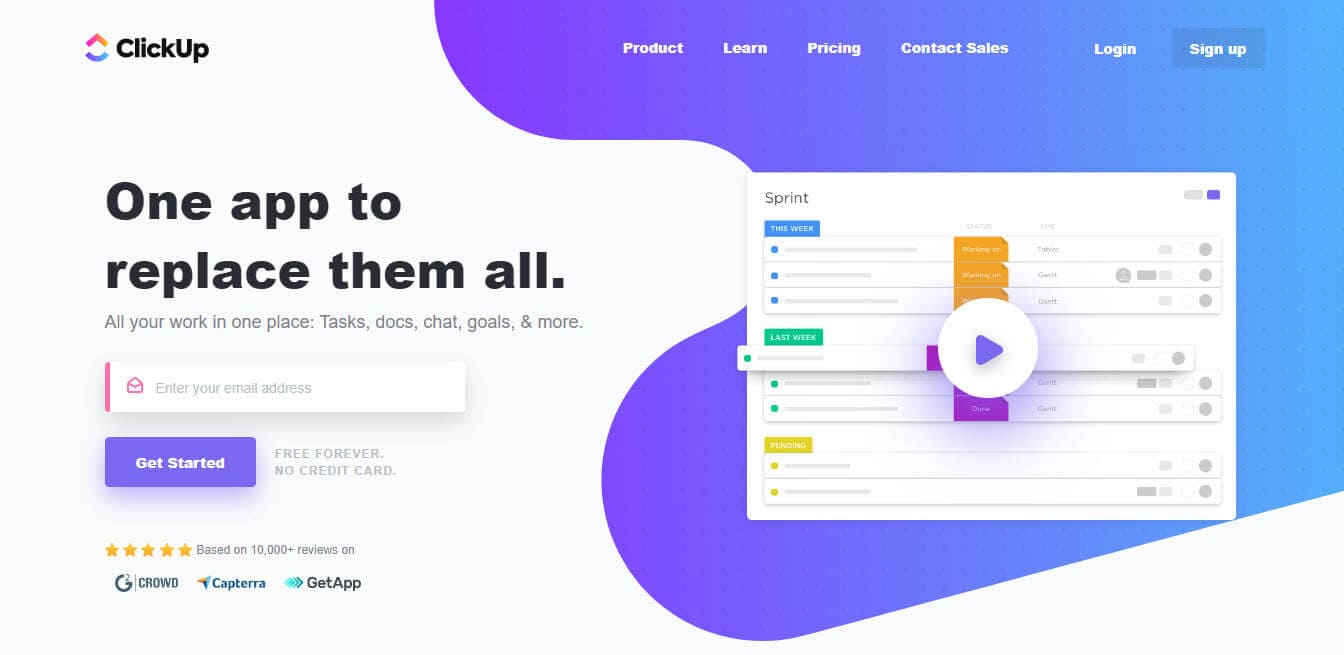
ClickUp was founded in 2017 by Zeb Evans and Alex Yurkowski. It is headquartered in San Diego, California.
ClickUp is a complete project management collaboration tool that lets you design mind maps to plan and organize your ideas. You can establish relationships among project tasks and visualize the workflow. You can easily convert map nodes into tasks.
You can share your mind maps with your team for collaboration and get their input in real-time. ClickUp provides many integrations to simplify your job, such as Dropbox, Google Drive, and Slack. It also provides Zapier support, so it can add thousands more integrations.
ClickUp Features
- Feature-Rich Platform
- Embedded AI Capabilities
- Supports real-time collaboration, email, chat, and document editing.
ClickUp Pros
- Generous free plan
- Constantly updated with user requests
- Easy to use
- Mobile app
ClickUp Cons
- Too many features can confuse the user
- You cannot edit with a free plan
- Slow mobile app
ClickUp Pricing Plan
ClickUp has two pricing plans:
- Free
- Unlimited for 7 USD/month/member
- Business for 12 USD/month
- Enterprise contact sales
14. Ayoa
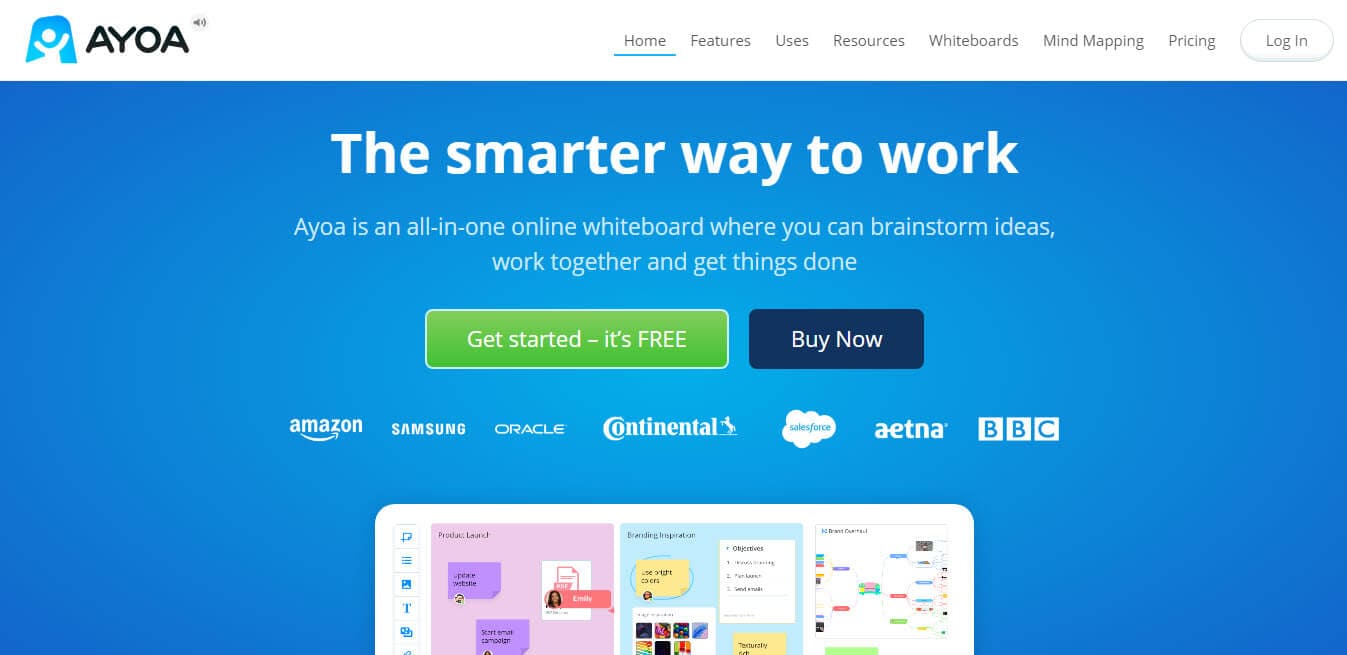
Ayoa was developed by OpenGenius and is owned by Chris Griffiths.
According to Ayoa, “Ayoa is an all-in-one online whiteboard where you can brainstorm ideas, work together and get things done.”
Ayoa not only allows you to create mind maps but also lets you manage your tasks and monitor project performance. You can use Ayoa as an individual or as a team. It is useful in both cases.
You can invite your team members to collaborate and design mind maps in real-time. You can share your maps with team members even if they do not have an Ayoa account.
Ayoa provides many direct integrations, such as Google Drive, iMindMap, Evernote, Dropbox, Google Contact, Google Calendar, and Zoom.
Ayoa Features
- Mind Mapping
- Task Management
- Whiteboards
- AI-powered Brainstorming
- Video Conferencing
- Collaboration & Integration
Ayoa Pros
- You can create tasks from emails
- Great auto-layout feature
Ayoa Cons
- Fewer templates
Ayoa Pricing Plan
Ayoa has three pricing plans:
- Free
- Pro for 10 USD/user/month
- Ultimate for 13 USD/user/month
15. Milanote
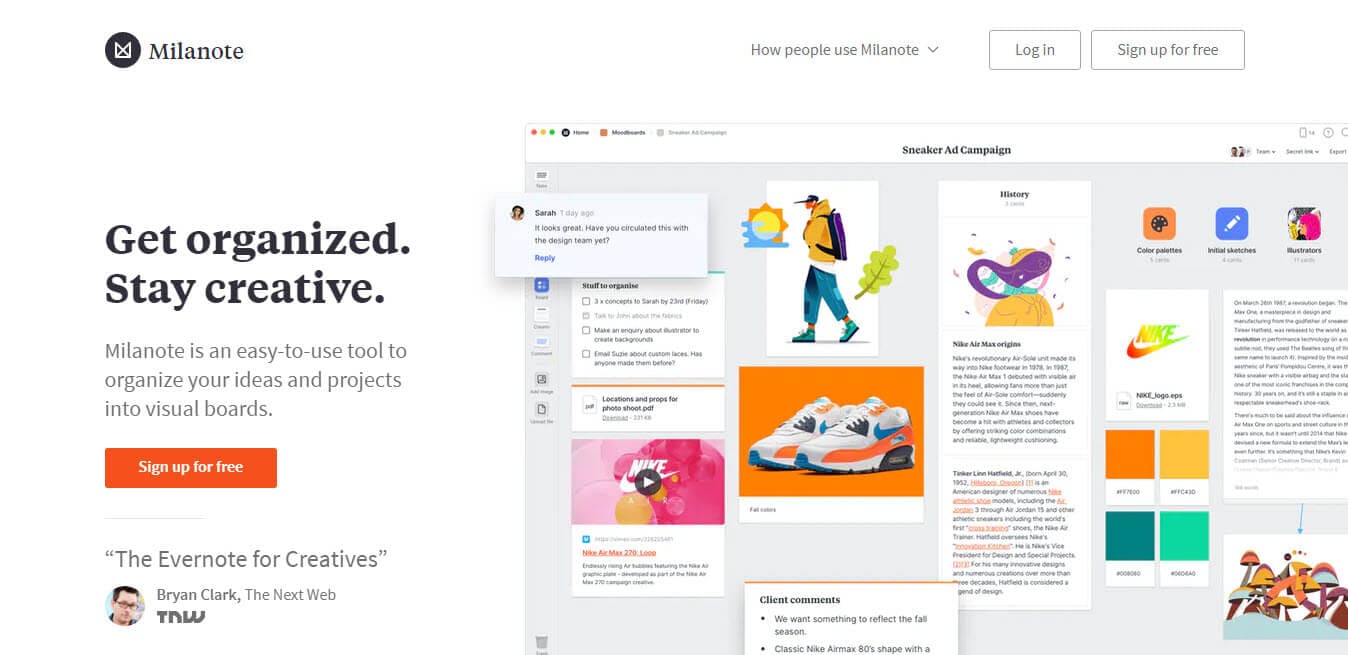
Milanote was founded by Ollie Campbell. The platform started as an internal tool for the founders’ UX agency, but later on, they opened and launched it in February 2017.
The key feature of Milanote is adding feature-rich media to your mind maps. You can add images and video links to mind maps and add the hierarchy level.
It provides many templates so you can start quickly. It is a cloud-based mind mapping platform, so you can invite your team members and collaborate in real-time.
Milanote Pros
- Can link different boards
- Insert images, videos, and links
- Light and fast platform
Milanote Cons
- Free plan limited to 100 elements
- Cannot hide comments
Features
- Real-Time Editing, Task Progress Tracking, Automatic Backup
- Mind Maps, Project Tracking, Mobile Access
- Feedback Management, Customizable Templates, File Sharing
Upcoming Feature
- Integrate text generation AI
Milanote Pricing Plan
Milanote has three pricing plans:
- Free
- Pay Per Person for 9.99 USD/month
- Upgrade Your Team for 49 USD/month
16. Microsoft Visio
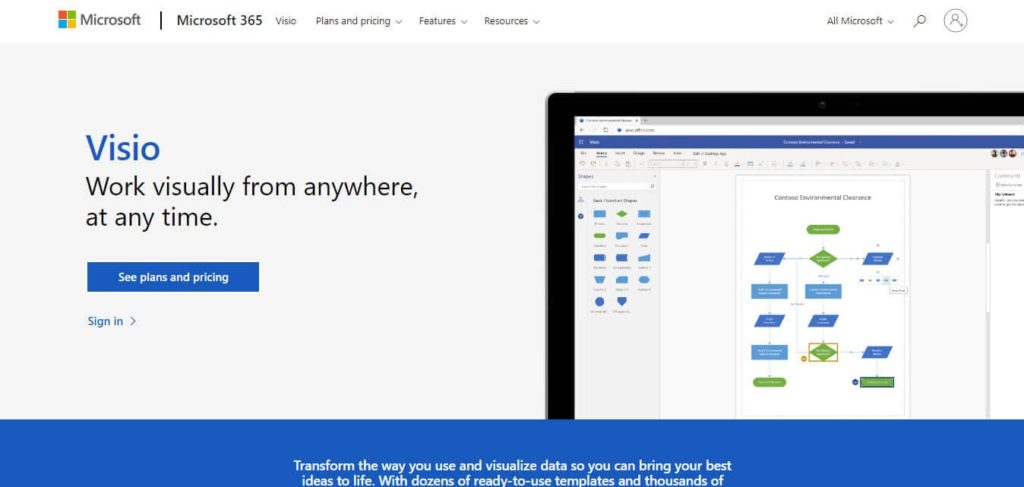
This mind-mapping software is a Microsoft product. It is very useful if you use Microsoft 365, as it is tightly synced with Microsoft and pulls data from Microsoft quickly.
Visio provides many templates for mind maps, flow charts, and other designs. You can share your work as an attachment or link.
Being cloud-based, you can collaborate with many users simultaneously.
Visio Pros
- Over 250,000 shapes
- Huge templates
- Microsoft 365 integration
Visio Cons
- Steep learning curve
- Complex user interface
- Cannot customize blocks
Features
- Drag and drop editor for creating and customizing diagrams and charts.
- Real-time collaboration with in-app commenting and sharing options.
- Integration with Power BI for enhanced data visualization.
Visio Pricing Plan
Visio has two pricing plans:
- Plan 1 for 5.00 USD/user/month
- Plan 2 for 15 USD/user/month
- Standard 280 USD/month
- Professional 530 USD/month
17. MindGenius
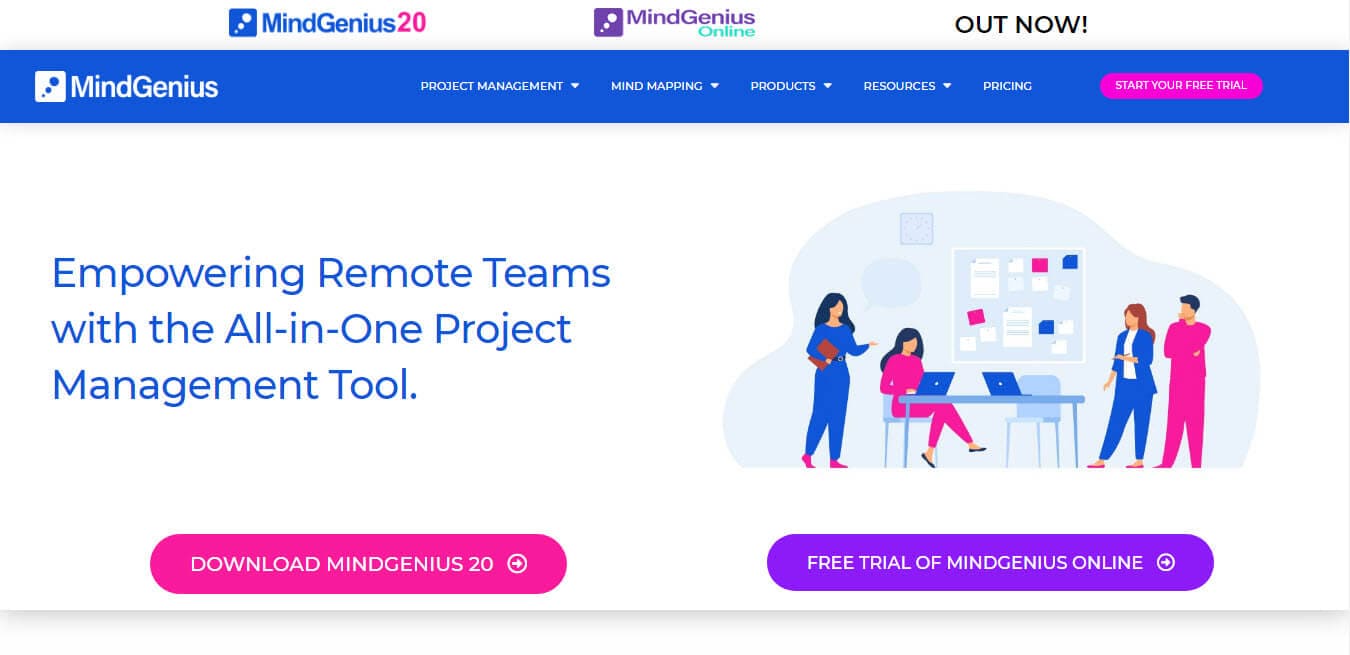
MindGenius is a Scottish company that specializes in mind mapping and project management software. It is part of Gael Ltd and was launched in 2008.
MindGenius is a complete project management software platform for creating mind maps. It integrates with Microsoft Office and can easily pull data from it.
It also lets you connect with Google Drive, One Drive, Dropbox, etc.
MindGenius Pros
- You can switch from MindMap to Gantt Chart or timeline
- Easy to use
- MS Office integration
Features
- Coordinate tasks and timelines efficiently.
- Ensure product quality through rigorous testing protocols.
MindGenius Cons
- Steep learning curve
MindGenius Pricing Plan
MindGenius has three pricing plans:
- MindGenius20 Subscription for 160.00 USD/year – $56 year two onwards
- MindGenius20 Perpetual for a one-time fee of 256 USD
- MindGenius20 Online Subscription for 16 USD/month or $160 annual
18. Miro
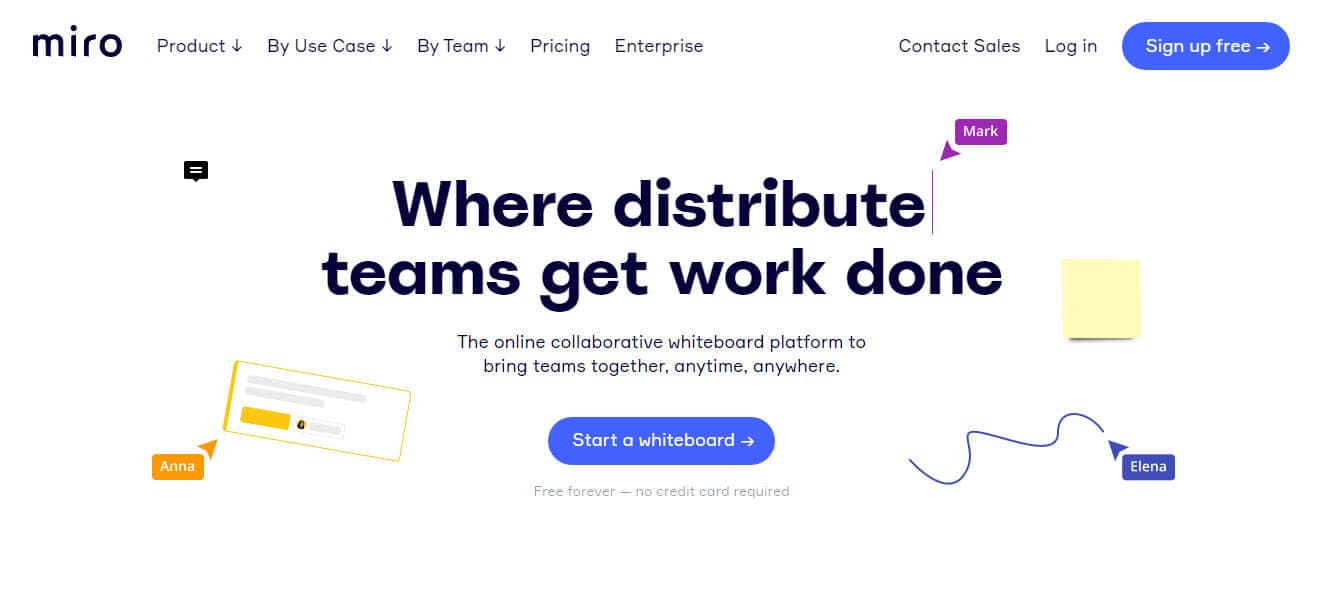
Andrey Khusid is the CEO and co-founder of Miro, which he founded in June 2011. It was previously known as RealtimeBoard; however, in March 2019, it changed its branding to Miro. Miro is an online cloud-based collaborative whiteboard platform.
It has a mind-mapping tool that offers an infinite mind-mapping canvas and many pre-built templates, wireframes, etc. This makes your job less stressful, and you can build your mind map quickly.
It provides many integrations, such as Google Suite, Dropbox, JIRA, Slack, Sketch, OneDrive, and Zapier.
Miro Pros
- Free version
- Huge collection of templates
- Easy learning curve
Miro Cons
- Slow while loading large boards
Features
- Recruitment Management: Streamline hiring processes.
- Task Management: Organize and track tasks efficiently.
- Employee Database: Manage employee information securely.
Miro Pricing Plan
Miro has four pricing plans:
- Free
- Team for 8 USD/member/month
- Business for 16 USD/member/month
- Enterprise: Contact support for a quote.
19. Coggle
Coggle is a simple cloud-based mind-mapping software that allows you to design mind maps collaboratively. You can auto-arrange your map branches, images, etc. It also lets you download maps in PDF, image, .mm, or text formats.
Coggle Pros
- Free version
- Tight Google integration
- Easy to use
Coggle Cons
- Maps are public on a free account
Features
- Real-time collaboration: Work together seamlessly.
- Unlimited private diagrams: Create without limits.
- Flowchart shapes: Design detailed workflows easily.
Coggle Pricing Plan
Coggle has three pricing plans:
- Free
- Awesome for 5.00 USD/month
- Organization for 8 USD/member/month
Tips for Using Mind Mapping Software
You can follow the following tips to use the mind-mapping software efficiently:
- Choose the Right Software: Select a mind-mapping tool that suits your needs. Every software has unique features and a different pricing structure. Select the one that best suits your requirements.
- Start with a Clear Central Idea: Define the main topic or concept and place it at the center of your map. This is the focal point from which all other ideas will branch out.
- Use Keywords and Short Phrases: Keep the text concise to avoid clutter. Keywords and short phrases are easier to read and remember.
- Incorporate Colors and Images: Different colors distinguish branches and subtopics. Add images or icons to make the map more visually appealing and to reinforce ideas.
- Maintain a Hierarchical Structure: Organize your ideas hierarchically, starting with broad concepts and breaking them into more specific subtopics. This helps in understanding the relationships between different pieces of information.
- Utilize Templates: Many mind-mapping software tools offer templates for different purposes, such as project planning, brainstorming, and note-taking. Templates can save time and provide a structured starting point.
- Review and Revise: Regularly review and update your mind map. As new information becomes available or your understanding of a topic evolves, make adjustments to keep the map relevant and accurate.
- Use Keyboard Shortcuts: Familiarize yourself with the software’s keyboard shortcuts. This can significantly speed up creating and editing your mind map.
Benefits of Using Mind Mapping Software
Mind mapping software helps illustrate ideas and concepts visually. It helps you structure gathered information and then analyze, understand, blend, and generate new ideas in a visual format.
The following are a few benefits of using mind-mapping software:
- Solves problems by consolidating information from multiple sources.
- Presents information in a visual and easy-to-understand format.
- Avoids dull and linear thinking.
- Increases creative thinking.
- It is fun for users.
Criteria to Select the Best Mind Mapping Software
Keep the following points in mind while selecting the best mind-mapping software for your personal use or a team:
- It should be cloud-based so that you can access it from any location.
- It must offer real-time collaboration so you can collaborate with team members to develop your mind maps. Please note that you can ignore this requirement if you are a solo application user.
- It should offer mobile apps for easy and quick communication and collaboration.
- It must allow the attachment of media and export, import, and share mind maps.
- It must allow integration with tools you are using in your organization.
- It must provide enough templates to get started.
Which One is the Best Mind Mapping Software?
Coggle, MindManager, or MindGenius are good choices if you are looking for mind-mapping software.
If you want wireframes, Miro is a good choice.
If you are looking for advanced mind mapping software that includes live collaboration, you can go for Miro, Mindomo, Lucidchart, or SmartDraw,
If you want a more advanced mind-mapping platform, you can use Microsoft Visio or SmartDraw.

I am Mohammad Fahad Usmani, B.E. PMP, PMI-RMP. I have been blogging on project management topics since 2011. To date, thousands of professionals have passed the PMP exam using my resources.