Have you ever left a meeting and wondered, “What did we decide?” If so, you’re not alone. Business owners, project managers, and team members spend many hours in meetings. A 2025 analysis found that about 45% of meetings are scheduled for 30 minutes, yet 64% of recurring meetings don’t have a structured meeting.
When discussions have no clear focus, it’s easy to miss important details and waste time. Good meeting notes fix that problem. They provide a clear summary of decisions, action items, and next steps.
In this blog post, I will explain meeting notes, why they matter, how to take effective notes, and where to download free templates.
What are Meeting Notes?
Meeting notes are short, personal records you take during a meeting to capture essential details. They help you remember what was said, who’s responsible for each task, and what decisions were made. These notes are not formal reports; they’re mainly for your own use.
You can write them in your own style, using abbreviations or symbols that make sense to you. Because they’re informal, you decide when and how to write them. Meeting notes keep you organized, save time, and ensure you don’t miss key points later.
Whether you use a notebook, tablet, or app, taking clear notes helps you stay focused and makes every meeting more productive.
Meeting minutes are different from meeting notes. Meeting minutes are formal records of what happened in a meeting. Minutes include highlights, decisions, and detailed feedback. You can assign someone to record the minutes, and the document follows a structured format and becomes part of the official record.
Why Good Meeting Notes Matter?
Taking notes during meetings isn’t just busywork; it’s a proven productivity booster. Many of us attend dozens of meetings each month. Without a written record, it’s easy to forget who promised what or when deadlines are due.

Well-structured notes turn a conversation into clear actions. They help team members recall commitments and reduce misunderstandings.
Modern research shows that many meetings are unproductive because they lack focus and structure. Remember that 45% of meetings are scheduled for 30 minutes, and yet most of them lack a proper agenda. Without a plan, discussions wander, and people leave without knowing the next steps.
Detailed notes bring clarity. They show the topics discussed, decisions made, and follow-up tasks. Teams that share notes after a meeting improve accountability and shorten future discussions because everyone knows what happened last time.
How to Take Effective Meeting Notes
You can follow the following steps to take effective meeting notes:
1. Prepare Before the Meeting
Review the meeting agenda and know who will attend. Create a basic outline with sections for topics, decisions, and action items. Set up your template before the meeting starts. This preparation helps you stay focused and ready to record important points quickly when the meeting begins.
2. Record Key Details Early
Start by noting the date, time, location, and names of attendees. Write down the main purpose of the meeting. These details help organize your notes and make them easy to review later. Capture only the most relevant facts; don’t try to write everything word-for-word.
3. Capture Main Points Clearly
Listen carefully and focus on what matters most: decisions made, actions assigned, and deadlines set. Use bullet points for clarity. Record who is responsible for each task. Avoid personal opinions or side discussions. Your goal is to summarize the debate clearly and neutrally.
4. Review and Fill Gaps Quickly
After the meeting, check your notes for accuracy. Add missing details while the information is still fresh. If something is unclear, confirm it with the meeting leader or a participant. This step ensures your minutes are complete and reflect what actually happened.
5. Format and Share Promptly
Write the minutes in a clean, easy-to-read format. Use headings, bullet points, and short sentences. Include all decisions, assigned tasks, and deadlines. Send the final version to attendees within 24 hours. Sharing minutes quickly helps everyone stay accountable and keeps the project moving forward.
Meeting Notes Templates You Can Download
The following are five templates to help you record meeting notes efficiently. Each template is available for free in Word format. Click the link to download the version that suits your needs.
1. Action Meeting Notes Template
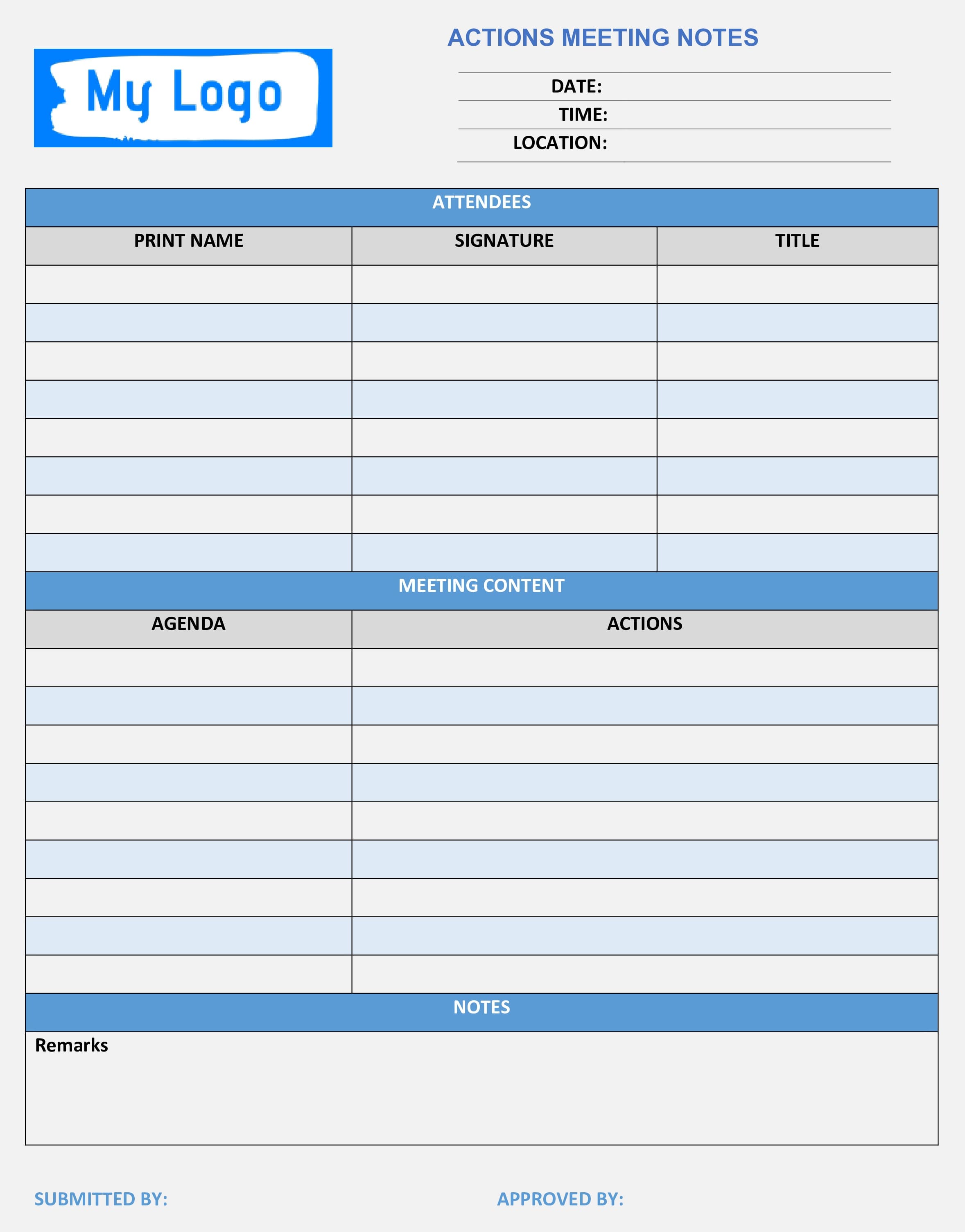
An Action Meeting Notes Template is a basic template that records key discussions and decisions during a business or project meeting. It includes sections for attendees’ names, designation, agenda items, action items, etc. This template helps participants track assigned promoting accountability and efficient collaboration.
2. Corporate Meeting Notes Template
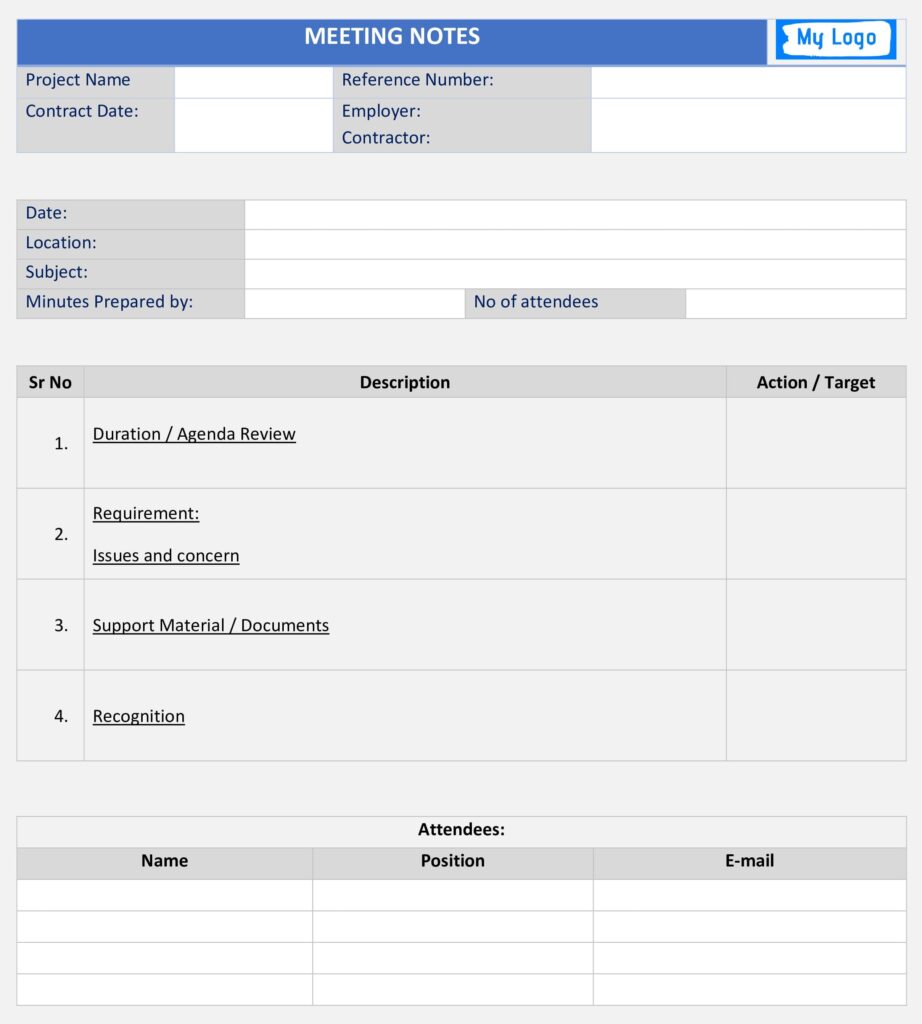
A Corporate Meeting Notes Template is a pre-designed format for documenting discussions and outcomes during corporate meetings. It includes sections for meeting details, agenda items, key points, and action items.
3. Formal Meeting Notes Template
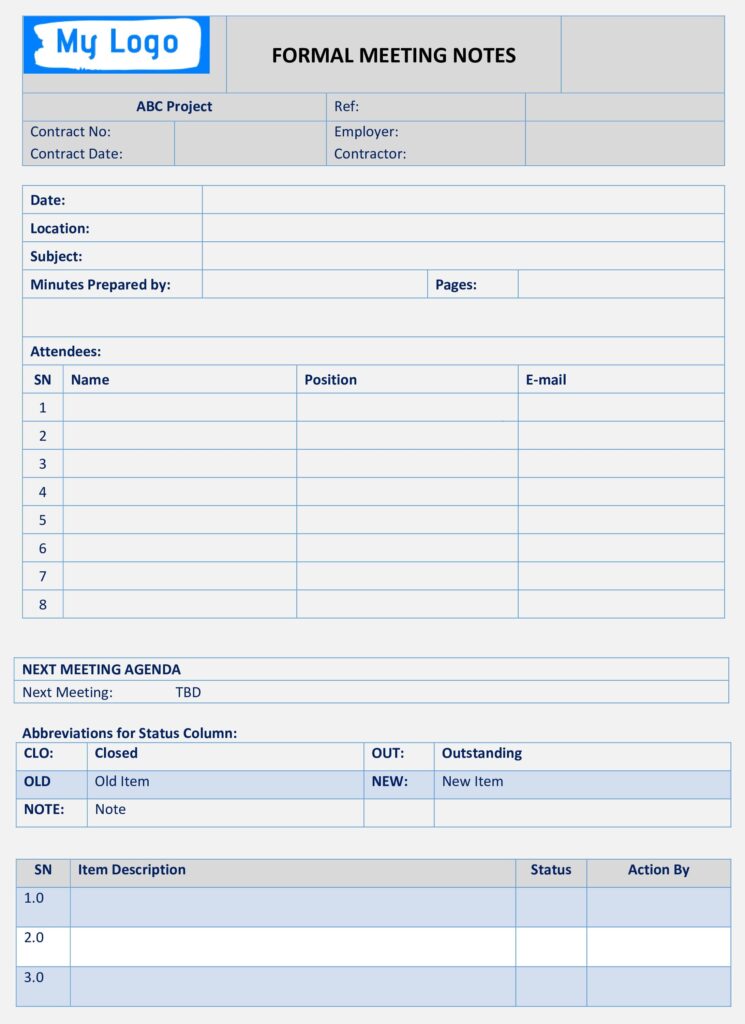
A Formal Meeting Notes Template is designed to record essential details during formal meetings. It includes agenda items, discussion points, and action items. This template ensures a systematic approach to documenting proceedings, aiding clarity, accountability, and follow-up actions.
4. Informal Meeting Notes Template
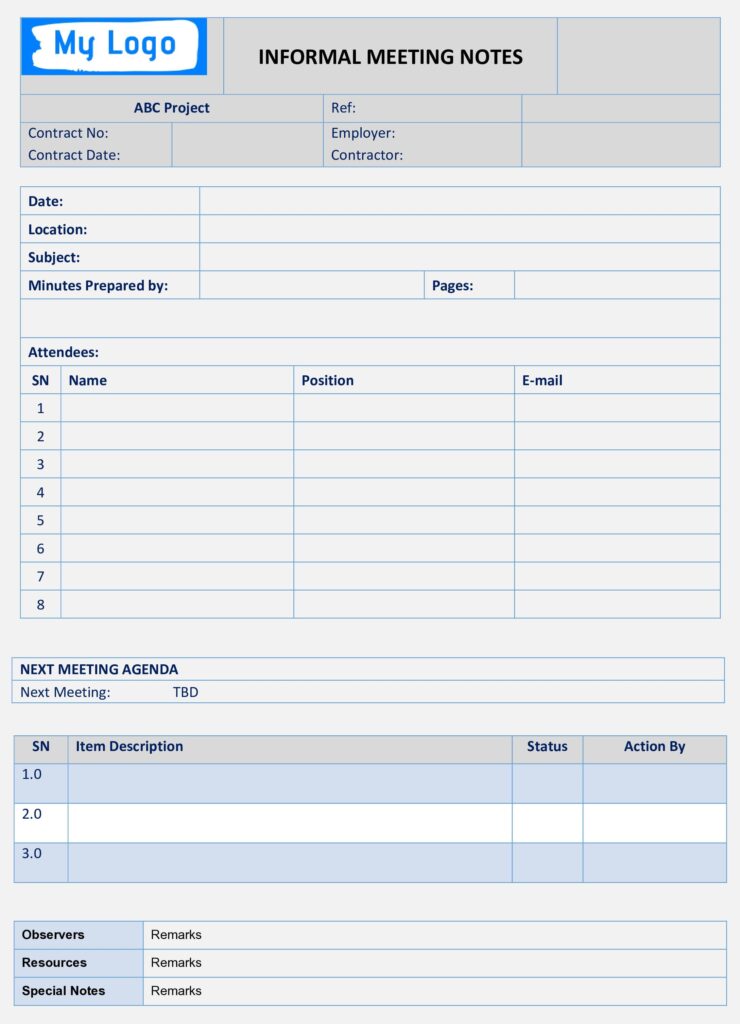
Informal Meeting Notes Templates are flexible to capture key points during casual or spontaneous gatherings. They may include sections for discussion highlights, decisions made, and action items. These templates offer a more relaxed format, emphasizing brevity and collaboration while documenting important outcomes.
5. Project Meeting Notes Template
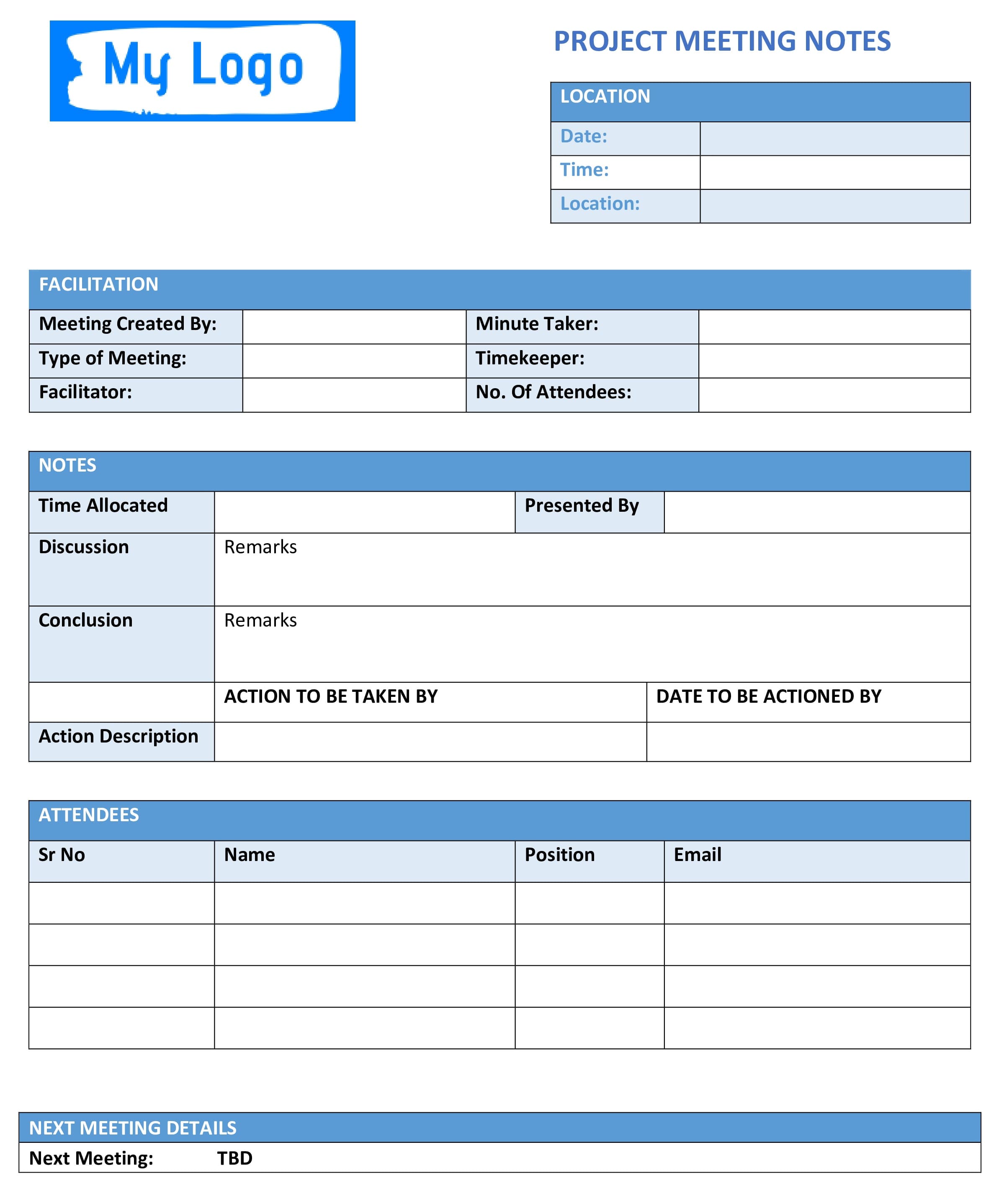
A Project Meeting Notes Template records discussions and outcomes related to the project. It features sections for meeting details, agenda items, project updates, and action items.
Features of a Good Meeting Notes Template
A well-designed template should be:
- Simple to Use: It must be intuitive so anyone can pick it up and start recording quickly.
- Comprehensive: There should be enough space for notes under each agenda item, as well as sections for decisions, action items, and follow-ups.
- Clear: Labels and categories must be easy to understand. Readers should know where to find the information they need.
- Flexible: Different meetings may require different structures. A good template can adapt to various meeting types without being overly rigid.
For example, a project manager at a software company used the Project Meeting Notes Template to track feature discussions. She found that having a clear list of action items with names and deadlines kept her team accountable. By sending the notes after each meeting, she reduced confusion and cut down on follow-up emails.
Benefits of Taking Notes
Effective meeting notes provide four key benefits:
- Enhanced Productivity: Notes keep you on track and organized. After the meeting, the agenda serves as a roadmap for action items and follow-ups, making confusion a thing of the past.
- Improved Communication: Clear notes make team communication easy. Instead of long explanations, everyone quickly understands what happened and why.
- Knowledge Retention: Notes act like your team’s memory bank. They preserve insights and decisions; help new team members get up to speed, and stop important information from being lost.
- Accountability: Documented action items and responsibilities ensure people are held accountable. When tasks are written down, there’s less room for misunderstanding and more incentive to follow through.
Digital Vs Paper Notes
You can take meeting notes by hand or with digital tools. Handwritten notes are sometimes quicker and less distracting. Digital notes, however, are easier to organize, search, and share. Many people prefer to combine both: jot down notes on paper during the meeting and then transcribe them into a digital format afterward.
Choose the approach that works best for you and your team.
Common Challenges with Meeting Notes
Even when people recognize the value of notes, several obstacles often get in the way:
- Unclear Agendas: When meetings lack a defined purpose, note-takers struggle to decide what matters. Always ask for or create an agenda before the meeting begins.
- Information Overload: Some meetings cover too many topics. Focus on major decisions, action items, and questions. Resist the urge to transcribe every word.
- Lack of Follow-up: Notes are useless if no one reads them. Distribute your notes after the meeting and encourage everyone to review and respond to action items.
- Different Note Styles: Without a template, everyone writes notes differently. This makes sharing and reading notes difficult. Using a standardized template helps maintain consistency.
Tips for Sharing and Storing Notes
You can find the following tips helpful in sharing and storing your meeting notes:
- Distribute Promptly: Send your notes within 24 hours of the meeting. People are more likely to act when the conversation is fresh.
- Use a Shared Location: Store notes in a shared drive or collaboration tool so all team members can access them later. Link your notes to project documents.
- Refer Back Regularly: At the beginning of the next meeting, briefly review the previous notes. This keeps everyone aligned and ensures tasks haven’t fallen through the cracks.
- Encourage Feedback: Ask attendees to check their action items and confirm responsibilities. Encourage them to add missing details or clarify misunderstandings.
FAQs
Q1. Why should I use a meeting notes template instead of taking free-form notes?
A template ensures consistency. You won’t forget to record the date, attendees or decisions. It also makes your notes easier to share and read. Free-form notes can be messy and may leave out important information.
Q2. Can meeting notes replace meeting minutes?
No. Meeting notes are informal and meant for personal use. Meeting minutes are formal, structured documents that serve as an official record. Both have their place, and many organizations use them together.
Q3. What’s the best way to take notes during a fast-paced meeting?
Use bullet points and focus on key ideas rather than full sentences. Highlight decisions and action items. If you miss something, ask the speaker to repeat or clarify. Practicing your note-taking method ahead of time will help you stay on track.
Summary
Effective meeting notes capture the essence of a conversation and convert talk into action. With countless hours spent in meetings, clear notes help you stay productive and save time. They improve communication, preserve knowledge, and hold people accountable. Whether you choose a simple action template or a more formal option, using a structured format will make your notes more valuable. Start with the free templates provided and tailor them to your needs. You’ll never leave a meeting wondering what was decided again.
Further Reading:

I am Mohammad Fahad Usmani, B.E. PMP, PMI-RMP. I have been blogging on project management topics since 2011. To date, thousands of professionals have passed the PMP exam using my resources.